CAT 2026 Admit Card: How to Download, What to Carry and What Not to Carry
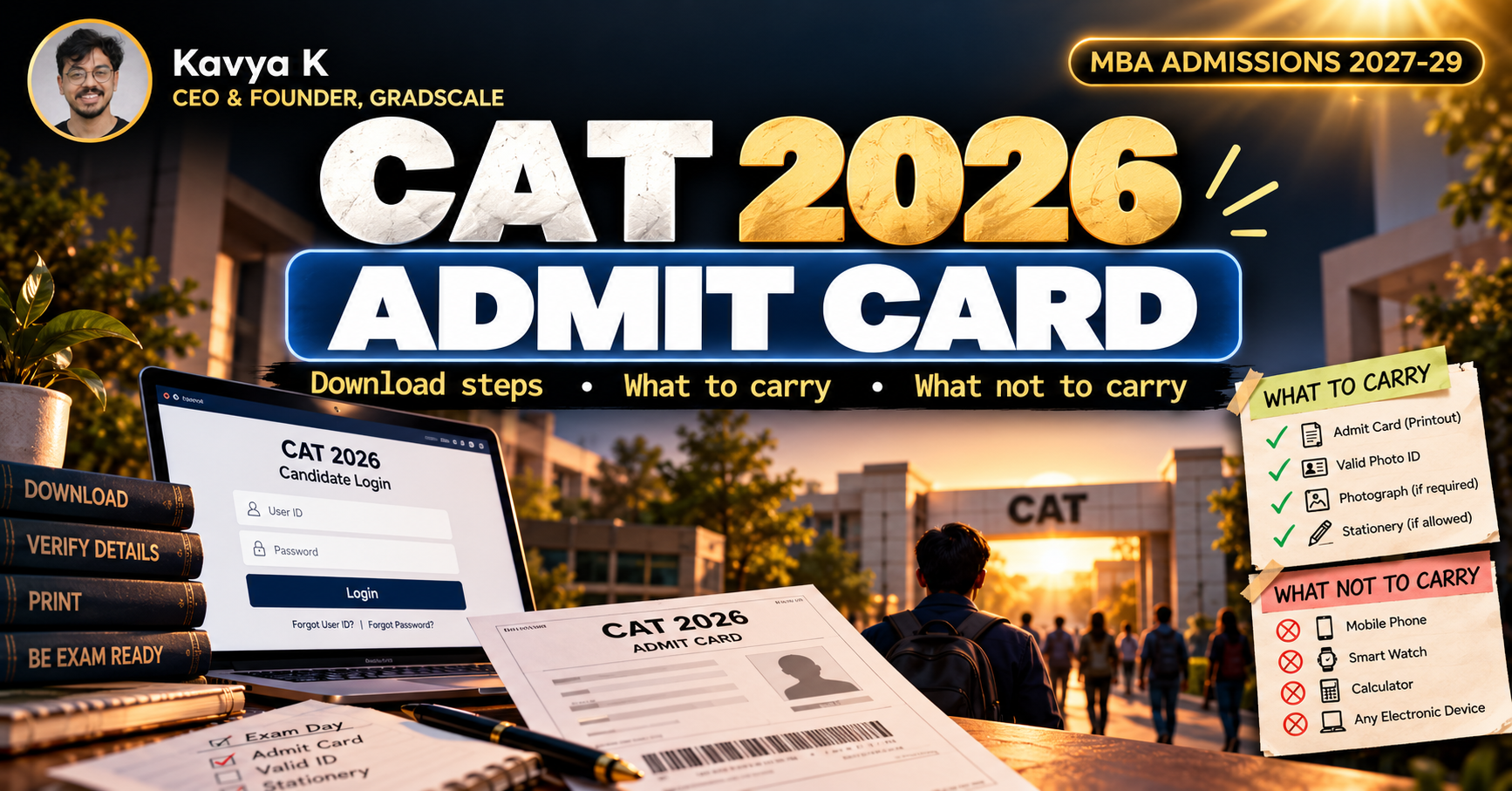
The CAT 2026 admit card is expected on 4 November, and the exam is on 29 November. Most mistakes on exam day are not about the paper. They are about the admit card, the ID and what you carry into the centre. Here is how to download your admit card, what to check on it, and what to carry and leave behind.
The Short Answer
The CAT 2026 admit card is expected to release on 4 November 2026 at iimcat.ac.in, and you will be able to download it until the exam day. Log in with your CAT user ID and password, download the PDF and print it clearly on A4 paper. Carry the printout and one original government photo ID, and leave your phone, watch, calculator and study material outside the centre. Check every detail on the admit card the day you download it, because mistakes are much easier to fix early.
CAT 2026 Admit Card at a Glance
The release date is the expected one. If it moves, the date will be announced on the CAT website.
How to Download the CAT 2026 Admit Card
- Go to the official CAT website, iimcat.ac.in.
- Open the registered candidate login.
- Enter your CAT user ID and password.
- Open the admit card link on your dashboard.
- Download the PDF, check it, and print it.
If you have forgotten your user ID or password, use the "Forgot User ID/Password" option and the email you registered with. New details are sent to your email, so check your inbox and spam folder. Do not download your admit card from links shared on social media or messaging groups. Use only the official website.
What Is Printed on Your Admit Card
Check each of these as soon as you download it.
- Your name, date of birth, category and PwD status
- Your application number and emergency contact
- Exam date, session and test time
- Reporting time and gate closing time
- Test city, centre name and address
- Your photo and signature
If anything is wrong or missing, contact the CAT helpdesk early. Note that changes to your test city after the application is complete are generally not allowed. Slots are allotted at the time of application, so you cannot change your session at the centre.
How to Print It Properly
- Print on A4 paper, and make sure your photo and signature are clear. An admit card with an unreadable photo can cause trouble at the gate.
- Take two printouts, in case one is damaged or lost.
- Stick the same photo you uploaded at registration where the form asks for it, and sign only where instructed, in front of the invigilator.
- A copy on your phone is not a substitute, and phones are not allowed in the centre.
What to Carry to the CAT Centre
Rough-work material is provided at the centre and has to be returned, so you do not need to bring your own. If your admit card lists anything else you must carry, follow that.
Name match. The name on your ID should match the name on your admit card. If it does not, fix it before exam day, and contact the helpdesk if needed.
What Not to Carry
Leave these at home or with someone outside the centre. Many centres do not store belongings.
- Mobile phones and smartwatches
- Watches of any kind
- Calculators and electronic gadgets (a basic on-screen calculator is provided in the CAT interface)
- Study material, notes, books and loose papers
- Wallets, goggles and unnecessary bags
- Metal jewellery
- Thick-soled footwear and clothing with large buttons
Wear simple, light clothes and flat footwear so that the security check is quick. Parents and guardians are not allowed inside the centre.
Reporting Time and Gate Closing
Your admit card shows your reporting time, which is earlier than the test start time, and the time the gate closes. Follow those, not a general rule you read elsewhere.
- Reach the centre well before the reporting time. Verification, frisking and registration take time, especially in the first session.
- Do not arrive at the gate closing time. Late entry is not allowed, and the time is not compensated.
- Avoid bio-breaks during the test unless you need one, because re-entry involves another security check and the lost time is not given back.
Plan the Day Before
- Travel. Check the route and travel time to your centre. If possible, do a trial trip the day before, especially in a big city.
- Documents. Put your printed admit card and ID in one folder tonight.
- Sleep. Sleep matters more than another mock. Our guide to the mistakes to avoid in the last six weeks before CAT 2026 explains how to use the final days.
- Slot. Remember your session time. Your three sections run 40 minutes each, and the whole paper is two hours.
Common Admit Card Mistakes
- Waiting until the last day to download, then facing a technical issue
- Printing the admit card with the photo or signature unreadable
- Carrying an expired or damaged ID
- Name or date of birth not matching between the ID and the admit card
- Taking a phone or watch to the centre and having to leave it outside, with nowhere safe to put it
- Arriving at the gate closing time
- Believing a slot or city can be changed at the centre
What to Do After You Download It
If you are also appearing for other exams, plan the dates now. XAT is on 3 January 2027, and our guide to XAT 2027 exam pattern and scoring explains how it differs from CAT. Several MBA forms close around CAT, and our calendar of MBA forms closing in November 2026 shows what to fill first.
What We Do Not Know Yet
- The exact release time of the admit card is not confirmed, and the date can change.
- The final instructions for reporting time, gate closing time and prohibited items are on your admit card and the official CAT instructions, and they can differ from past years.
- Any correction window for photo, signature or city is announced by the CAT organisers.
Frequently Asked Questions
When is the CAT 2026 admit card released? It is expected on 4 November 2026, and you can download it until the exam on 29 November.
Where do I download the CAT 2026 admit card? Only on iimcat.ac.in, through the registered candidate login.
What should I carry to the CAT exam centre? A printed admit card and one original government photo ID. Take two copies of the admit card to be safe.
Which IDs are accepted? Aadhaar or e-Aadhaar, PAN, passport, driving licence and voter ID are commonly accepted, and the ID must be valid and undamaged.
Can I show my admit card on my phone? No. Carry a printout, and leave your phone outside the centre.
Can I carry a calculator or watch? No. A basic on-screen calculator is provided in the test interface.
What if my name does not match my ID? Contact the CAT helpdesk as soon as you notice. Do not wait for exam day.
Can I change my slot or test city? Not after the application is complete, and not at the centre.
What if I lose my user ID or password? Use the "Forgot User ID/Password" option with your registered email.
Final Word
A smooth exam day starts with a clean admit card. Download it on the day it releases, check every detail, print two copies, keep your ID ready, and leave everything else at home. Reporting times, prohibited items and release dates can change, so confirm the latest instructions on the official CAT website before you go.
Kavya Kumar
Founder of GRADSCALE, which he architected and built from scratch — the daily drill engine, PYQ access, analytics and leaderboards behind the platform's daily execution system.